Importance of HTML5 in Web Development in 2026
Importance of
HTML5 in Web Development in 2026
Frameworks come and go, but every one of them still compiles down to HTML5. This guide walks through the 15 semantic elements and APIs that shape accessibility, SEO, app-like behaviour and Core Web Vitals in 2026 — grounded in real market and legal data, not guesswork.
A note before you read
This article is published by the RequireHire team. We run an AI interview-first hiring platform used by 500+ companies hiring across India, so we see first-hand which front-end fundamentals come up in real interviews.
Why HTML5 Still Defines Web Development in 2026
require HTML/CSS/JS
TFC, 2026
a WCAG check
WebAIM Million, 2025
INP Core Web Vital
2026 field data
on mobile devices
Industry estimate, 2026
Every popular JavaScript framework — React, Vue, Angular, Svelte — renders down to the same HTML5 elements this guide covers. That is why HTML fundamentals keep resurfacing in interviews long after a developer has "moved on" to a framework: a <div> soup with no semantic structure produces the same broken screen-reader experience and the same messy SEO regardless of which framework generated it.
What changed since "HTML5" was a version number
Since 2019, the WHATWG has maintained HTML as a "Living Standard" rather than shipping numbered releases, so features like the Popover API, the <dialog> element, and customizable <select> controls have arrived quietly rather than in a single "HTML6" launch. Developers who think of HTML5 as a finished, static topic tend to miss these additions — and employers notice the gap.
HTML Is Now a Living Standard, Not a Version Number
The 15 elements and APIs in this guide were chosen because they still show up in real 2026 job requirements and interview loops — not because they are the newest or the most talked-about. They fall into four practical groups that map to how a browser actually renders a page:
Why this order matters more than a random feature list
Structure comes first because everything else — accessibility, SEO, and even Core Web Vitals scoring — is easier when the underlying markup is meaningful. Skipping straight to Canvas animations or Web Components on top of a <div>-only page just moves the same structural problems one layer deeper.
Semantic Elements — The Backbone of Every Page
What semantic HTML actually buys you
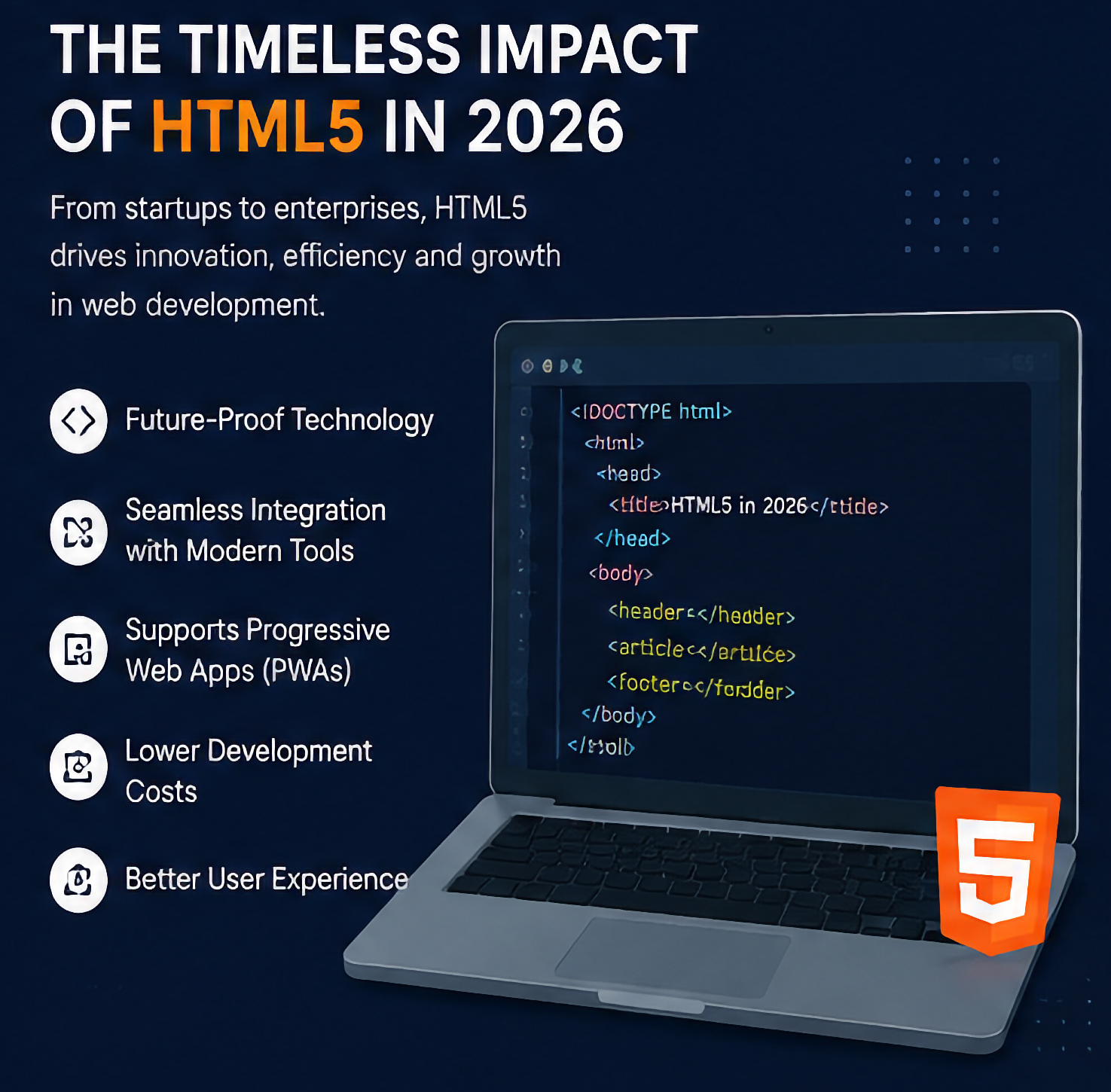
Elements like <header>, <nav>, <main>, <article>, <section> and <footer> describe what content means, not just how it looks — unlike a generic <div>. Modern browsers have supported these elements without issue since roughly Chrome 26, Firefox 21 and Safari 6.1, so the old "IE8 doesn't understand semantic tags" objection is no longer a practical concern in 2026.
Search engines weight keywords inside semantic containers more heavily than the same keywords inside an unstyled <div>, and screen readers use these landmarks to let users jump straight to navigation or main content. That double payoff — SEO and accessibility from the same markup choice — is why semantic structure is usually the first thing tested in a front-end interview.
A minimal, correctly structured page
<h1>Site Title</h1>
<nav><a href="/jobs">Jobs</a></nav>
</header>
<main>
<article>
<h2>Article Title</h2>
<p>Content here...</p>
</article>
<aside>Related links</aside>
</main>
<footer><p>© 2026</p></footer>
Note there is only one <main> per page, and <article> is reserved for genuinely self-contained content — a common interview trip-up.

Canvas — Drawing Directly to Pixels
Where Canvas fits in a real stack
The <canvas> element exposes an immediate-mode 2D (and via WebGL, 3D) drawing surface controlled entirely through JavaScript. It is the native engine behind browser games, charting libraries like Chart.js, image editors, and signature pads — anywhere pixels need to be redrawn many times per second rather than styled once.
Because Canvas output is a bitmap, it does not create individual DOM nodes for every shape, which keeps performance high for dense visualizations but also means Canvas content is invisible to screen readers unless you supply fallback text or use the accessible-canvas patterns in the ARIA specification.
A basic Canvas draw call
const ctx = canvas.getContext('2d');
ctx.fillStyle = '#1d4ed8';
ctx.fillRect(20, 20, 140, 60);
ctx.beginPath();
ctx.arc(220, 50, 30, 0, Math.PI * 2);
ctx.fillStyle = '#0ea5e9';
ctx.fill();
requestAnimationFrame() is the standard way to redraw a canvas smoothly for animation or games, rather than setInterval().
SVG — Resolution-Independent Graphics as Markup
SVG (Scalable Vector Graphics) describes shapes mathematically rather than as pixels, so an SVG icon looks identical on a low-density phone screen and a 4K monitor without shipping multiple image sizes. Unlike Canvas, SVG shapes are individual DOM nodes, which means they can be styled with CSS, animated, targeted with JavaScript event listeners, and — critically — labelled with ARIA attributes for screen readers.
Canvas vs. SVG — the practical decision rule
Reach for SVG when you need a manageable number of interactive, stylable, accessible shapes: icons, logos, illustrations, simple charts. Reach for Canvas when you need to redraw thousands of elements per frame, as in a game loop or a live particle animation, where DOM overhead per shape would slow things down. Most production apps use both — SVG for the interface chrome, Canvas for anything performance-critical and visual.
Audio & Video — Media Without Plugins
What <audio> and <video> replaced
Before HTML5, embedding a video generally meant a Flash plugin. The native <video> and <audio> elements give browsers built-in controls, keyboard accessibility, and a JavaScript API (play(), pause(), currentTime) without any third-party runtime, which is also why Flash was fully retired from every major browser years ago.
The <track> child element adds captions and subtitles via WebVTT files, which is not just a nicety — captioned video is one of the WCAG success criteria that accessibility audits check directly.
Accessible video markup
<source src="demo.mp4" type="video/mp4">
<track kind="captions" src="en.vtt"
srclang="en" label="English" default>
Your browser doesn't support video.
</video>
preload="metadata" fetches just duration and dimensions up front, which helps Cumulative Layout Shift by reserving the right amount of space.

Web Storage — Remembering State Without a Server Round-Trip
Before Web Storage, "remembering" anything client-side meant abusing cookies, which are sent with every single HTTP request and add overhead to every page load. localStorage persists key-value string data with no expiry until explicitly cleared; sessionStorage behaves the same way but is wiped when the tab closes. Both are synchronous and scoped per origin, which is exactly what a theme preference, a draft form, or a shopping cart needs.
The one caveat interviewers probe for
Web Storage is not encrypted and is readable by any script running on the same origin, so it is not the place for auth tokens in a security-conscious app, and it has a practical size ceiling (commonly around 5–10MB per origin depending on the browser). For anything larger or requiring queries, developers reach for IndexedDB instead — knowing that boundary is a common senior-level interview question.
Web Workers — Keeping the Main Thread Free
Why a single thread is the real bottleneck
JavaScript in the browser runs on one main thread by default, shared with layout, painting, and user input handling. A heavy computation — parsing a large CSV, resizing images, running a search index — blocks that thread and the page visibly freezes, which is exactly the kind of jank that hurts the Interaction to Next Paint metric.
A Web Worker runs JavaScript on a separate thread with no access to the DOM, communicating with the main thread only through postMessage(). That isolation is the trade-off: workers can't touch the page directly, but they also can't accidentally block it.
Minimal worker handoff
const worker = new Worker('sort.js');
worker.postMessage(bigArray);
worker.onmessage = e => render(e.data);
// sort.js
onmessage = e => {
const sorted = e.data.sort((a,b)=>a-b);
postMessage(sorted);
};
Geolocation API — Location-Aware Web Apps
navigator.geolocation.getCurrentPosition() asks the browser for the device's coordinates through a native permission prompt — no map SDK required just to know where the user is. It powers "jobs near me" style searches, store locators, and delivery-tracking UIs, and pairs naturally with a mapping API once you have the coordinates.
Why it only works over HTTPS
Modern browsers restrict the Geolocation API to secure (HTTPS) origins and require an explicit, revocable user permission grant — there is no way to silently read a visitor's location. Handling the denied and unavailable error states gracefully, rather than assuming the call always succeeds, is the part of this API that separates a working demo from a production-ready feature.
Drag and Drop — Native File Uploads and Sortable UI
The HTML5 Drag and Drop API fires a defined sequence of events — dragstart, dragover, drop — on any element marked draggable="true", and works natively with files dragged in from the operating system, not just elements inside the page. That is the mechanism behind "drag your resume here to upload" widgets and kanban-style task boards.
The one line developers forget
event.preventDefault() must be called inside the dragover handler, or the browser's default behaviour (usually opening the dragged file) overrides your drop zone entirely. It is a small detail, but it is the single most common reason a first drag-and-drop implementation silently fails in testing.
Modern Form Inputs — Native Validation That Replaces JavaScript
Input types that do the work for you
HTML5 added purpose-built input types — email, tel, url, date, color, range, search, number — each with a device-appropriate keyboard on mobile and built-in format checking. Add the required, pattern, min, and max attributes and the browser blocks invalid submissions before a single line of JavaScript validation runs.
The <dialog> element and the newer Popover API, both now broadly supported, let developers build accessible modals and dropdowns using native browser behaviour instead of hand-rolled JavaScript for focus-trapping and Escape-key handling.
A self-validating signup fragment
<label for="em">Email</label>
<input id="em" type="email" required>
<label for="ph">Phone</label>
<input id="ph" type="tel"
pattern="[0-9]{10}">
<button type="submit">Register</button>
</form>
Responsive Images — One <img>, Many Screen Sizes
With an estimated 64% of web traffic now happening on mobile devices, shipping a single desktop-sized image to every visitor wastes bandwidth and directly hurts Largest Contentful Paint. The srcset and sizes attributes let the browser choose the right image file for the current viewport and pixel density automatically, and the <picture> element goes further, letting you swap entire art directions or formats (like AVIF or WebP with a JPEG fallback) per breakpoint.
Why this ties directly to Core Web Vitals
Largest Contentful Paint is very often a hero image. Serving an appropriately sized file, adding width and height attributes to prevent layout shift, and using loading="lazy" on below-the-fold images are three markup-level changes — no build tooling required — that move LCP and CLS scores in the right direction.
Web Accessibility & ARIA — No Longer Optional
The scale of the problem, in real numbers
WebAIM's 2025 Million report found 94.8% of the top one million homepages had at least one detectable WCAG failure, with low-contrast text (79.1% of pages) and missing alt text (55.5% of pages) the two most common issues. The World Health Organization estimates 1.3 billion people, roughly 16% of the global population, live with a disability that can affect how they use the web.
Seyfarth Shaw recorded 8,667 federal ADA Title III lawsuits in 2025, with website accessibility claims making up a growing share, and U.S. state and local government sites faced an April 24, 2026 deadline to meet WCAG 2.1 AA. This is now a legal and hiring requirement, not just an ethical one.
Where ARIA fits — and where it shouldn't
The first rule of ARIA is to use it only when native HTML can't do the job. A <button> is already keyboard-focusable and announces its role automatically; a <div role="button"> needs tabindex, a keydown handler, and the ARIA role added back manually just to match what <button> gives for free.
aria-controls="panel">Toggle</button>
<div id="panel" role="region"
aria-labelledby="btn">Content</div>
Progressive Web Apps — Install, Offline, and Push, From HTML5
The two files that turn a site into an app
A Web App Manifest (a JSON file linked from <head>) describes the app's name, icons, and display mode, which is what lets a browser offer "Add to Home Screen." A Service Worker is a script that sits between the app and the network, intercepting requests so pages can be cached and served even when the connection drops.
Together they let a single HTML5 codebase behave like an installed app — offline access, background sync, push notifications — without maintaining a separate native codebase for iOS and Android, which is why PWA skills increasingly show up in e-commerce and EdTech job descriptions.
Registering a Service Worker
navigator.serviceWorker
.register('/sw.js')
.then(() => console.log('SW ready'));
}
Service Workers require HTTPS in production, the same secure-origin rule as the Geolocation API.
Web Components — Framework-Agnostic Custom Elements
The CustomElementRegistry lets developers define brand-new HTML tags — <my-rating>, <site-header> — backed by JavaScript classes, with Shadow DOM giving each component its own isolated styles that won't leak into or clash with the rest of the page. Because this is a native browser standard rather than a library, a Web Component built once works inside a React app, a Vue app, or a plain HTML page without modification.
A minimal custom element
connectedCallback() {
this.innerHTML = '<span>Verified</span>';
}
}
customElements.define('site-badge', SiteBadge);
Performance APIs & Core Web Vitals
The three metrics Google actually measures
Largest Contentful Paint (LCP) measures loading speed, Interaction to Next Paint (INP) measures responsiveness, and Cumulative Layout Shift (CLS) measures visual stability. Google confirmed these as a page-experience ranking signal in 2021, and John Mueller has described them as a tie-breaker between pages of similar content quality rather than the dominant ranking factor.
INP replaced the older First Input Delay metric in March 2024 and is measurably harder to pass — 2026 field data puts roughly 43% of sites below the 200ms "good" threshold, which is why INP is currently the metric most engineering teams are focused on fixing.
The native API that powers lazy loading
entries.forEach(e => {
if (e.isIntersecting) {
e.target.src = e.target.dataset.src;
io.unobserve(e.target);
}
});
});
This same IntersectionObserver pattern drives the reveal-on-scroll effects used throughout this page.
Can You Explain These 15 HTML5 Fundamentals Under Interview Pressure?
Reading about semantic HTML is different from articulating it clearly when an interviewer asks "why not just use a div?"
RequireHire's AI interview platform is 100% free for job seekers and currently used by 500+ companies hiring across India.
No cost to job seekers. Takes about 2 minutes to begin.
How These Elements Combine in Real Projects
Accessible Content Page
Installable PWA
Interactive Dashboard
The interview signal employers actually look for
Listing 15 features in isolation is less convincing than explaining how three or four of them combine to solve one real problem — for example, why a lazy-loaded, srcset-sized hero image and a Service Worker cache both target the same LCP metric from different angles. That kind of connected reasoning is what separates a tutorial-level answer from a hire-ready one.
What HTML5 Fluency Is Actually Worth in the Indian Job Market
Get Interview-Ready, Not Just Resume-Ready
Search live front-end and web developer roles across India, then practice with a free AI interview before you apply.
A 4-Phase Roadmap to HTML5 Fluency
Phase 1: Structure & Forms (Weeks 1–3)
Master semantic elements and native form validation before anything else — these two show up in nearly every front-end interview regardless of seniority.
Phase 2: Media & Graphics (Weeks 4–7)
Add visual and media capability — this is where a page stops being plain text and starts feeling like a product.
Phase 3: App-Like Behaviour (Weeks 8–11)
These APIs turn a static page into something that behaves like a real application.
Phase 4: Standards & Modern Web Apps (Weeks 12–16)
This phase is what unlocks senior-level and specialist roles — accessibility, installability, and measurable performance.
Which HTML5 Focus Area Fits Your Goal?
Answer 4 quick questions for a suggested learning focus.
Question 1 of 4
What kind of web work excites you most?
How much web development experience do you have?
What type of company are you targeting?
What's your biggest current skill gap?
Writing, Testing, and Talking About HTML5 in 2026
Do: Reach for semantics before ARIA
Use <button>, <nav>, <dialog> and native form elements first — they ship with keyboard support and correct screen-reader announcements built in. ARIA is a patch for the gaps native HTML leaves, not a first resort.
Don't: Wrap every clickable thing in a <div>
A clickable <div> needs manual tabindex, a keydown handler, and an ARIA role just to reach parity with a plain <button>. It is more code for a worse result — one of the most common issues flagged in front-end code reviews.
Do: Test with a keyboard and a screen reader
Tab through your own page before shipping it. If you can't reach every interactive element and understand what it does without a mouse, an assistive-technology user won't be able to either — and with 94.8% of homepages currently failing some WCAG check, this simple habit already puts you ahead.
Don't: Rely only on an automated scanner
Automated accessibility checkers catch missing alt text and contrast failures, but they cannot judge whether your alt text is actually meaningful or whether your tab order makes logical sense. Manual review still matters.
Do: Explain the "why," not just the "what"
Instead of reciting that srcset exists, explain that it lets the browser choose the right image for the viewport, which reduces bandwidth on mobile and directly helps Largest Contentful Paint. Interviewers are listening for the connection between the feature and the problem it solves.
Don't: Claim fifteen skills at the same shallow depth
It is far stronger to speak confidently about five or six HTML5 fundamentals with real project examples than to name-drop all fifteen and stumble on follow-up questions. Depth beats breadth in a structured interview.
Frequently Asked Questions
Fundamentals Get You Past the First Screen.
Semantic HTML, accessibility, and Core Web Vitals are the parts of a front-end interview that don't change with the framework trend of the year. Practice explaining them, then let RequireHire's AI interviews put you in front of companies actually hiring.
Free for candidates. Rated 4.8/5 by users on the platform.
Ready to Practice What You Learned?
Take a free AI mock interview and get your skill score in 15 minutes. 100% free for all candidates.
Related Posts
Practice Your Interview
Get ready for your next interview with our AI-powered mock interview tool.
Start Practice Interview